Current Android installation guide
Download the ZZ777 APK and Install It Carefully
An APK lets Android users install ZZ777 outside the Play Store. The process is straightforward, but the source and permissions matter. Use the link below, check the package on your phone and avoid copies forwarded through groups, pop-ups or unofficial file hosts.
For Android devices · Adults 18+ only
Check Your Phone First
Before downloading, make sure the device has a stable connection and enough free storage for both the package and its installed files. The current APK may differ from earlier versions, so treat any quoted file size as an estimate. Updating Android and restarting a phone that has been running for a long time can also prevent installation errors.
- Use a recent Android version that still receives security updates.
- Keep at least a few hundred megabytes free for installation and cache.
- Charge the battery or connect the phone to power.
- Remove an incomplete ZZ777 download before trying again.
Step-by-Step ZZ777 Installation
- Start the download. Tap the button on this page and allow the browser to save the APK.
- Open the completed file. Use the browser's download panel or the phone's Downloads folder.
- Allow this source temporarily. If Android asks, enable installation permission for the browser or file manager you are using—not for every app.
- Review the prompt. Confirm that the displayed app is ZZ777 and read the requested permissions before choosing Install.
- Launch the app. Open it after installation, then return to settings and disable the temporary “unknown apps” permission.
Android menu wording varies by manufacturer. On many phones, the relevant control is under Settings, Apps, Special access, Install unknown apps. Use the settings search box if the menu is arranged differently.
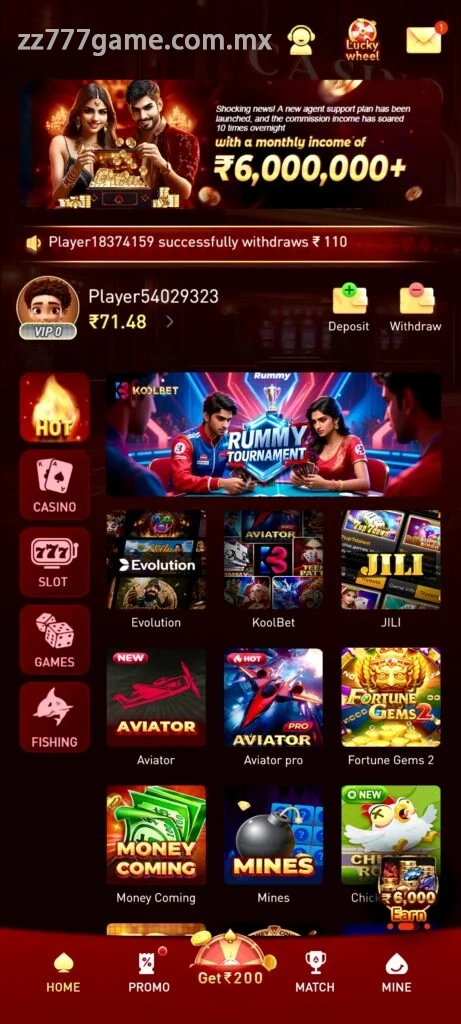
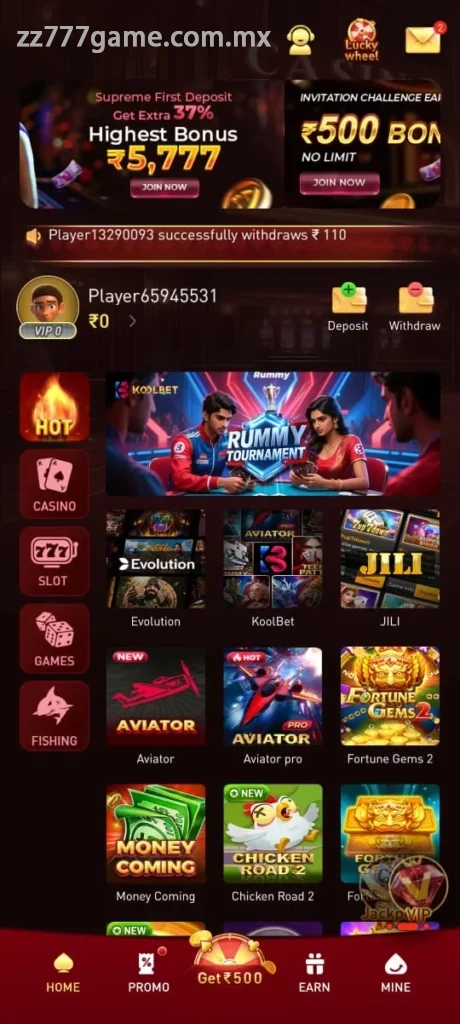
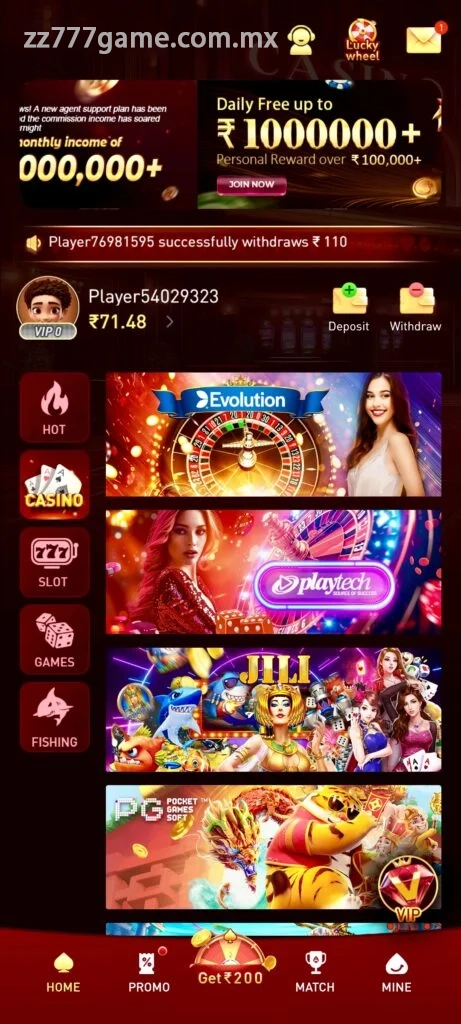
Preview the App Before Installing

Updating an Existing Version
Download the new package from the same trusted page and install it over the current app. In most cases, account information remains on the server, but you should know your login details before updating. Do not uninstall first unless an on-screen error or official instruction makes that necessary.
If Android reports a signature conflict, the installed copy may have come from another source. Stop and verify the package rather than disabling more security controls. Uninstalling can remove local settings, so confirm that the account and recovery phone number are accessible before taking that step.
After a successful update, open one or two ordinary screens before making a payment. Confirm that the balance, profile and support area load normally. If anything looks unfamiliar, close the app and verify that you used the correct package.
Fixing Common APK Problems
“Package appears to be invalid”
The file may be incomplete. Delete it, clear the browser download entry and fetch a fresh copy over a steady connection.
“App not installed”
Check storage, Android compatibility and whether another build is already present. A work-managed phone may also block external packages through an administrator policy.
The download button does nothing
Disable aggressive pop-up blocking for the current page, try a standard browser and confirm that downloads are allowed. Do not install a separate “download helper.”
The app opens and immediately closes
Restart the phone and update Android System WebView if your device uses it. If the problem continues, note the phone model and Android version before contacting support.
Account and Payment Safety
Installing the app is separate from deciding whether to deposit. Review minimum withdrawals, possible fees, verification rules and bonus conditions first. Start with a modest amount if you choose to play, keep transaction references and never share a password, payment PIN or one-time code with anyone claiming to be support.
ZZ777 games can involve financial loss. Set a fixed entertainment budget and stop when it is reached. The app is not a source of guaranteed income, and access may be restricted by local law.